


How to Change Photo in Aadhaar Card
The Aadhaar card is an important identity document issued by the Unique Identification Authority of India (UIDAI). If your photograph on the Aadhaar card is old, unclear, or you simply want to update it, then UIDAI allows you to change your photo easily through an Aadhaar Enrollment or Update Center.
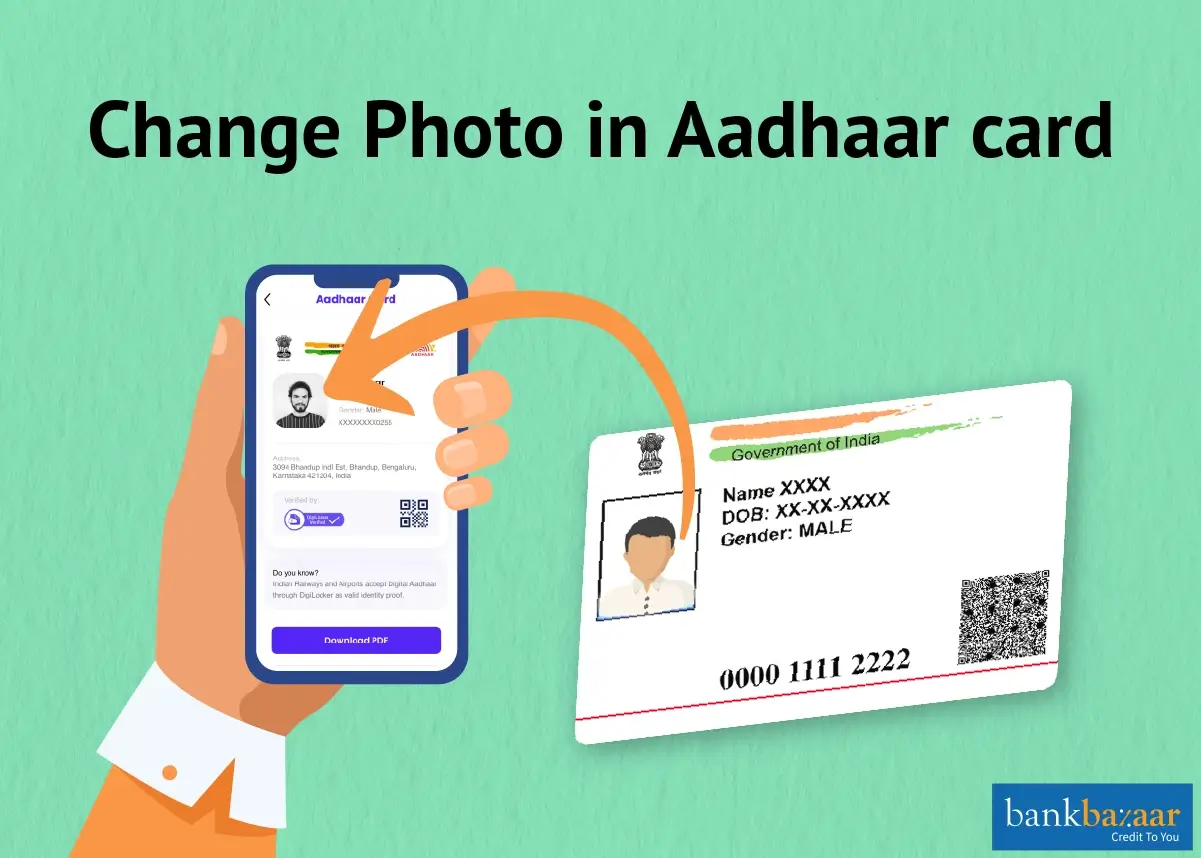
You cannot update the Aadhaar photo online. The process requires a physical visit to an authorized Aadhaar center where a new photograph will be captured. In this guide, you will get to know the step-by-step procedure to update the photo.
Steps to Change the Aadhaar Card Photo
Online changes to biometric updates like fingerprints and photos are not possible. To make the modifications, you must go to the Aadhaar Permanent Enrollment Center. Below is a description on how to update the Aadhar Card Photo Offline.
Step 1 - Visit the nearest Aadhaar Permanent Enrolment Centre. You can find the nearest centre by Locate an Enrolment center.
Step 2 - Collect the Aadhaar enrolment form. You can also download the form by visiting the official website of UIDAI.
Step 3 - Fill in the relevant details on the form.
Step 4 - Provide the form and give the biometric details.
Step 5 - A photograph of you will be taken by the executive.
Step 6 - The biometric details will need to be provided for approval.
Step 7 - A fee of Rs.125 will need to be paid to update the Biometrics details on the Aadhaar (as of October 2025).
Step 8 - An acknowledgement slip will be provided to you with an Update Request Number (URN) mentioned on it. You can check the status of your request by using the URN.
No supporting documentation would be required to update the Aadhaar Card's photo. The processing of the request could take up to 90 days.
How to Track Aadhaar Photo Update?
You can easily track Aadhaar card photo changes by following the steps mentioned below:
Step 1: Go to the official website of UIDAI.
Step 2: Under the tab ‘My Aadhaar’, click on the option ’Check Aadhaar Update Status'.
Step 3: Fill in the URN and CAPTCHA, then click on ‘Submit’.
Step 4: Your photo change status will be displayed on the screen.
Steps to Download the Aadhaar Card after Photo Change
The step-by-step procedure to download the Aadhaar Card after the photo is changed is mentioned below:
Step 1 - Visit official website of UIDAI.
Step 2 - Click on 'Download Aadhaar'.
Step 3 - On the next page, enter the Aadhaar Number, Enrolment ID, or Virtual ID.
Step 4 - Enter the captcha and click on 'Send OTP'.
Step 5 - Next, enter the OTP that is sent to your registered mobile number.
Step 6 - Follow the steps on the next page to download the Aadhaar Card. You will also have the option to print the Aadhaar.
Reasons to Update Your Aadhaar Card Photo
- A clear and recent photograph helps in avoiding identity verification issues during official procedures.
- An outdated photo may not match your current appearance, creating confusion during authentication.
- A blurry or low-quality image can cause difficulties while using Aadhaar for banking and travel purposes.
- Incorrect photographs on the Aadhaar card should be corrected to maintain accurate identity records.
- An updated photo ensures smoother access to government services and digital verification processes.
Important Points to Remember when Updating the Photo on the Aadhaar Card
- Currently, you cannot update the photo on the Aadhaar Card online.
- The Aadhaar Card status can be checked with the help of the URN.
- No documents need to be submitted to change the photo on the Aadhaar Card.
Disclaimer
FAQs on Changing Photo in Aadhaar Card
1.What does the Aadhaar Correction Form for altering the Aadhaar Card's photo cost?
For upgrading the photo on the Aadhaar Card, a free correction form is available.
2.What documents are needed to update the photo on an Aadhaar card?
To update your photo on your Aadhaar Card, you are not required to submit any supporting documentation. Just bring your Aadhaar Card and head to the closest Aadhaar Kendra.
3.How long will it take for the Aadhaar Card to get updated?
You must wait 90 days for the Unique Identification Authority of India (UIDAI) to update your Aadhaar photo.
4.How much does it cost to update the photo on an Aadhaar card?
The cost to update the Aadhaar Card's photo is Rs.125 (as of October 2025). These fees are established by UIDAI.
5.What is the charge of updating Aadhaar card photo?
You will be charged Rs.125 to update your Aadhaar photo (as of October 2025).
6.Is it possible to change the Aadhaar Card photo online?
No, you may only edit your demographic information online. These include your name, address, date of birth, gender, cellphone number, and email. You must go to the Aadhaar Enrolment/Update Center to update your biometric information (fingerprints, iris, and photo).

Disclaimer
Credit Card:
Credit Score:
Personal Loan:
Home Loan:
Fixed Deposit:


Copyright © 2026 BankBazaar.com.